Stay in the take.
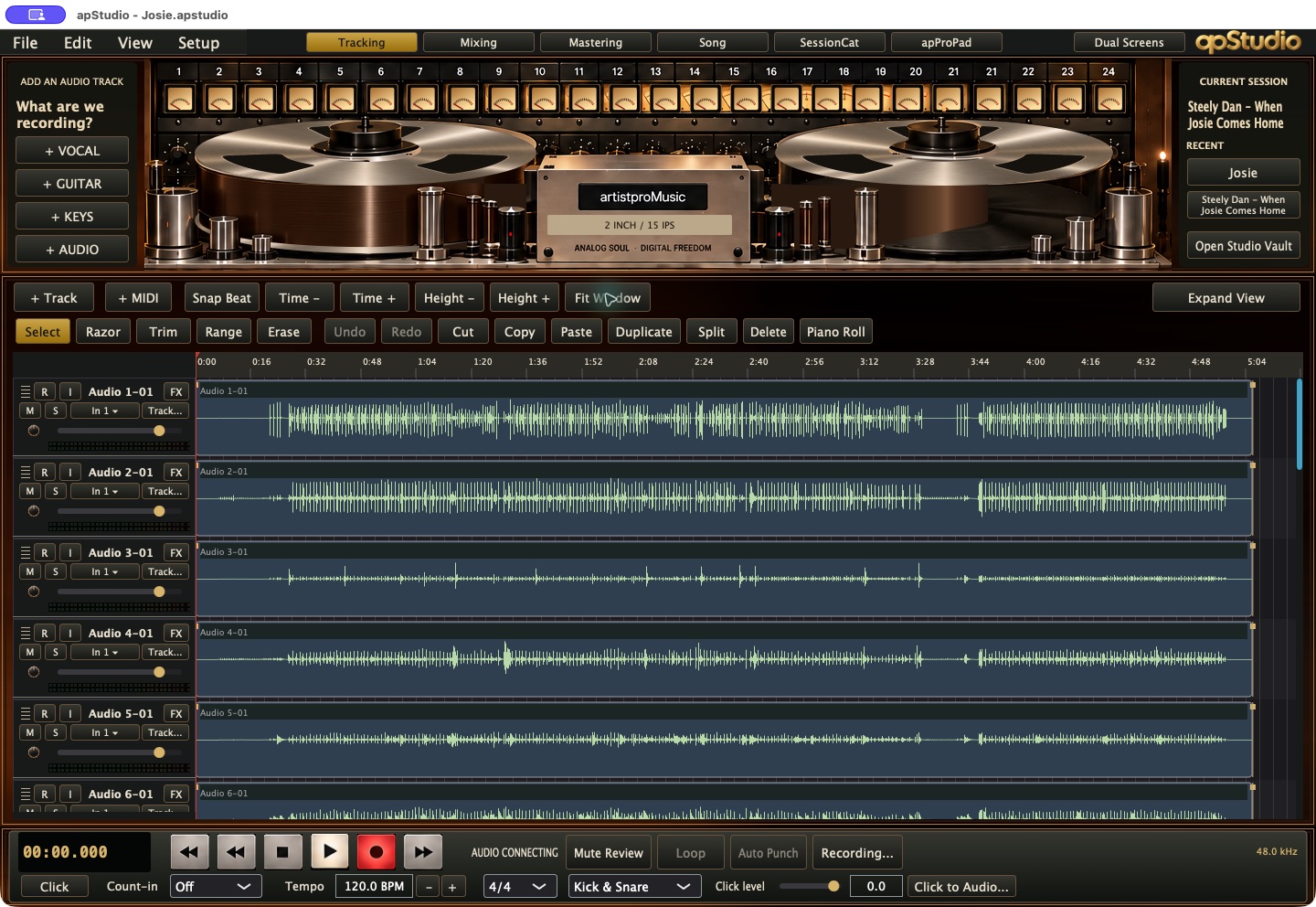
Direct track controls and a familiar transport keep the performance in front of you.
THE NEW MACOS DAW FROM ARTISTPRO
Meet apStudio. The feel of a real studio. The freedom of a modern DAW. Record, edit, mix and finish in a workspace built around the music.
THE STUDIO IS AN INSTRUMENT.
A tape machine. A console. A song worth chasing. apStudio brings that familiar studio language into a native macOS recording system—then gives it the editing, routing and performance tools that make a modern session move.
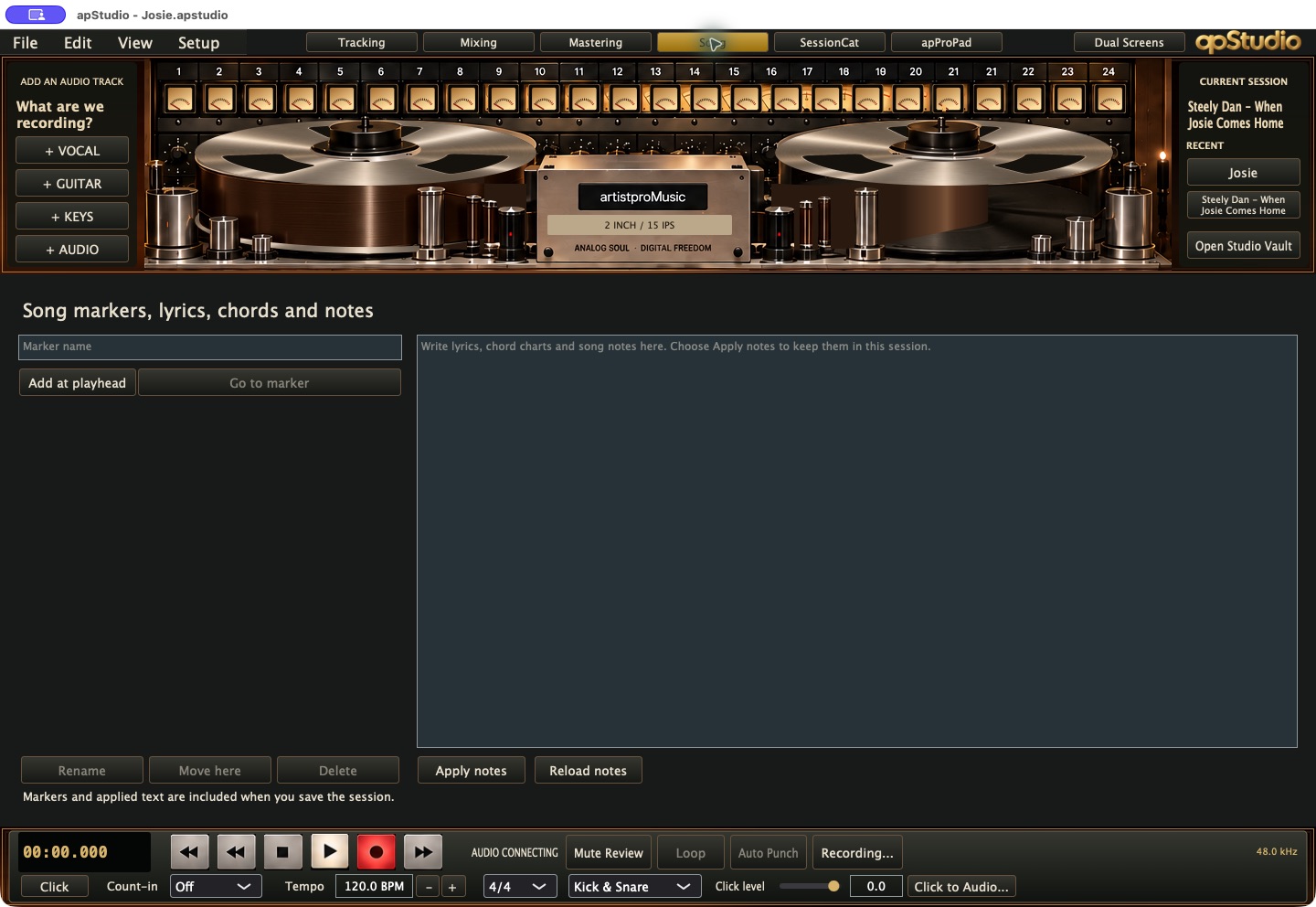
One session connects the timeline, desk, song notes, performance pads and stereo master. Follow the work from the first take to the final mix.
Direct track controls and a familiar transport keep the performance in front of you.
Included console and tape tools let you shape tone inside the recording environment.
Touch, mouse, keyboard, pad controllers and remote studio audio share the same space.
SIX WORKSPACES. ONE SESSION.
Take a look around.
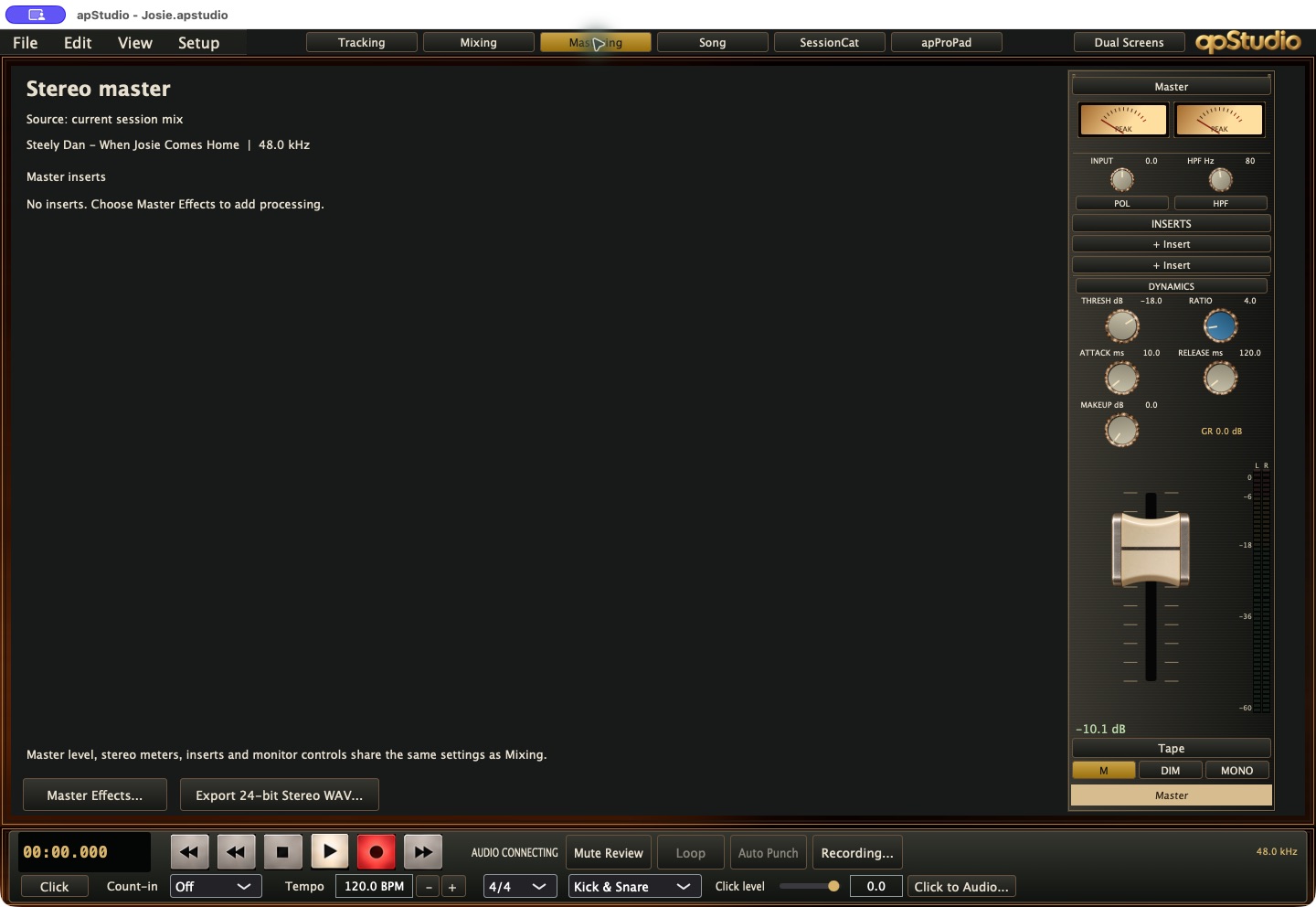
These are actual screens from apStudio.
Record and edit in one view: clear waveforms, direct track controls and a transport that feels like a tape machine. Arm a track, choose its input, and stay with the performance.
THE DESK COMES WITH THE STUDIO.
Consoles are included.
Choose the controls and character for the job.
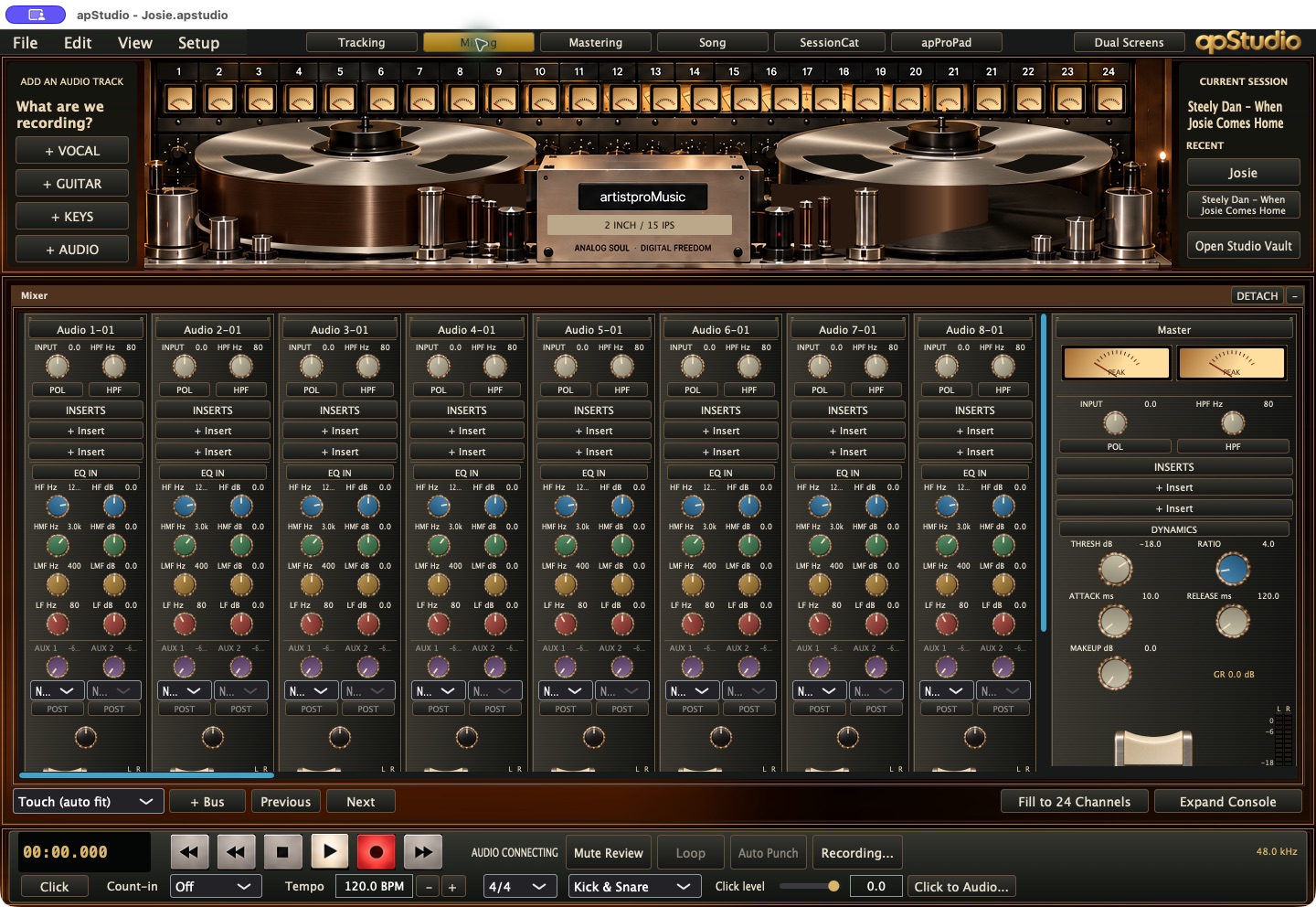 01 / THE EVERYDAY DESK
The essentials, laid out like a console: input trim, polarity, high-pass filtering, four-band channel EQ, inserts, aux sends and master dynamics.
Fast decisions. Clear signal paths.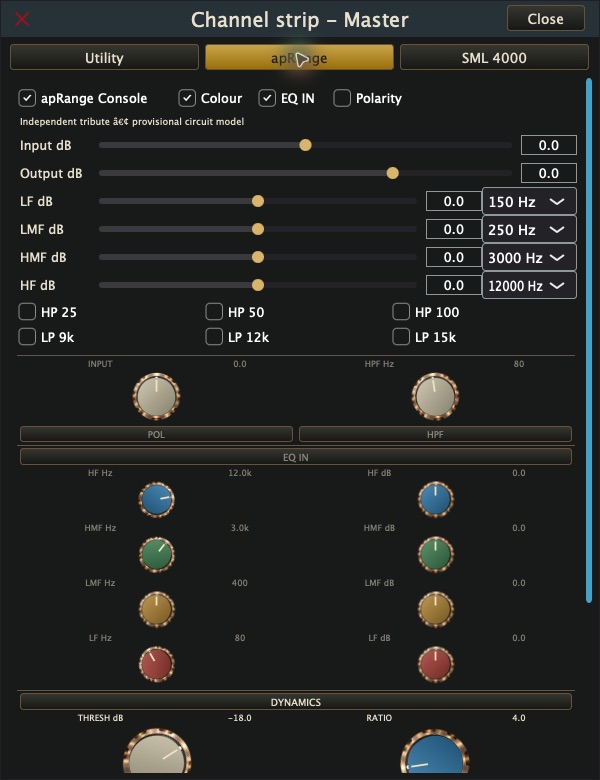 02 / COLOUR & TONE
Shape the signal with input and output gain, console colour, four EQ bands, selectable frequencies, high- and low-pass filters, and polarity.
Independent tribute · provisional circuit model.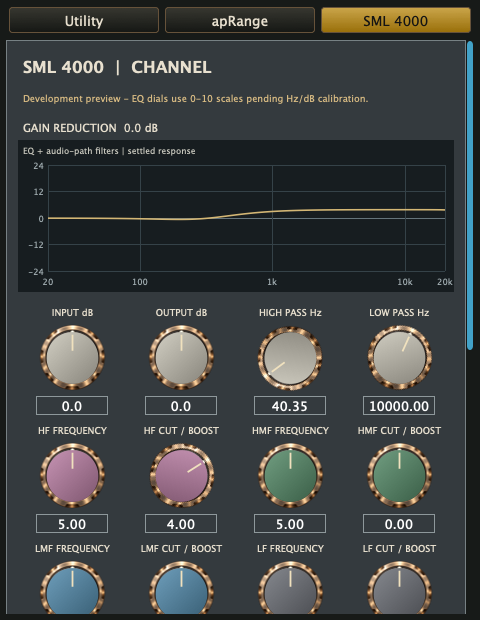 03 / CHANNEL & MIX BUS
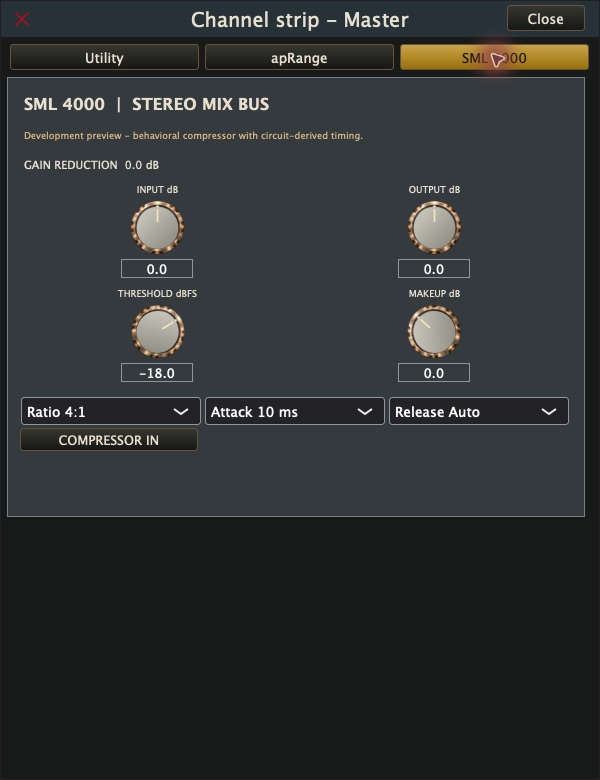
Explore channel EQ, filters, compression and expander/gate controls, plus a dedicated stereo bus compressor with ratio, attack and release options.
Included development preview. Channel EQ uses provisional control scales.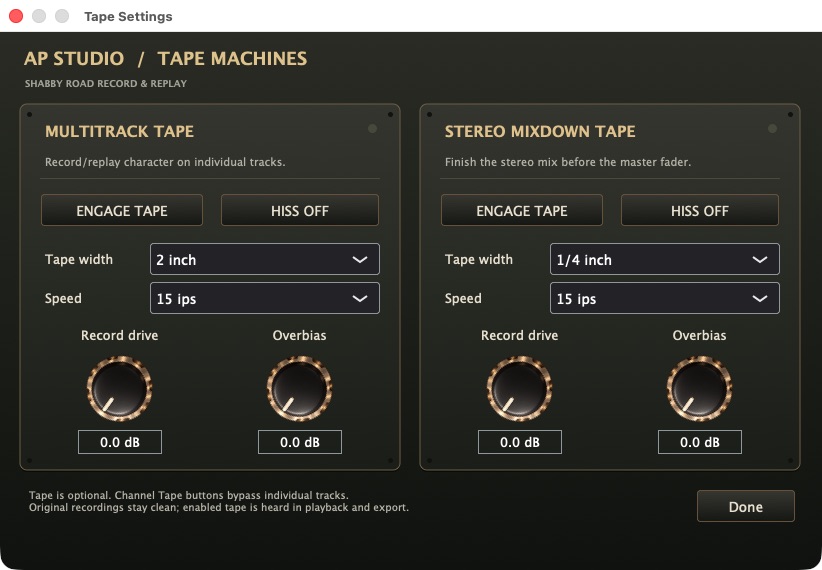
FOLLOW THE SIGNAL TO TAPE.
Set multitrack tape character on individual tracks and a separate tape stage for the stereo mix. Choose width, 7.5, 15 or 30 ips, record drive, overbias and optional hiss.
Engage the character when you want it. Bypass it when you don’t. Original recordings stay clean.
See the stereo bus compressor ↗BUILT FOR THE WAY A STUDIO FEELS.
UPDD touch integration brings compatible macOS touch displays into the studio.
Use larger console targets, a touch channel layout and independent touch contacts. Spread the work across two displays, with the console or performance pads alongside the shared track view.
Mouse, keyboard and trackpad remain part of the same workflow.
TOUCH THE CONSOLE. FOLLOW THE MUSIC.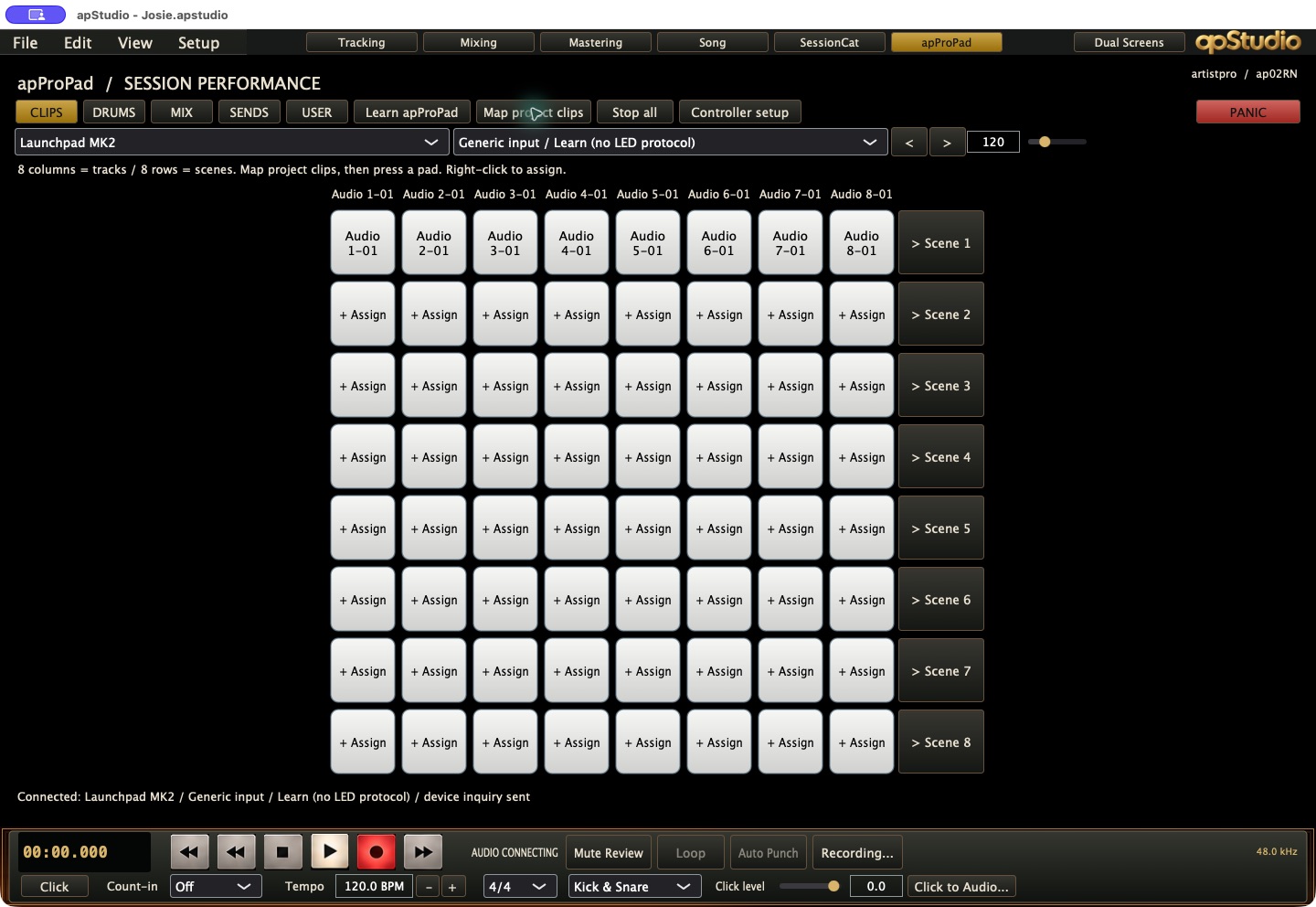 apProPad / 8 × 8 clip & scene grid
SESSIONCAT IS INCLUDED.
Hear another studio.
Share the mix you’re making.
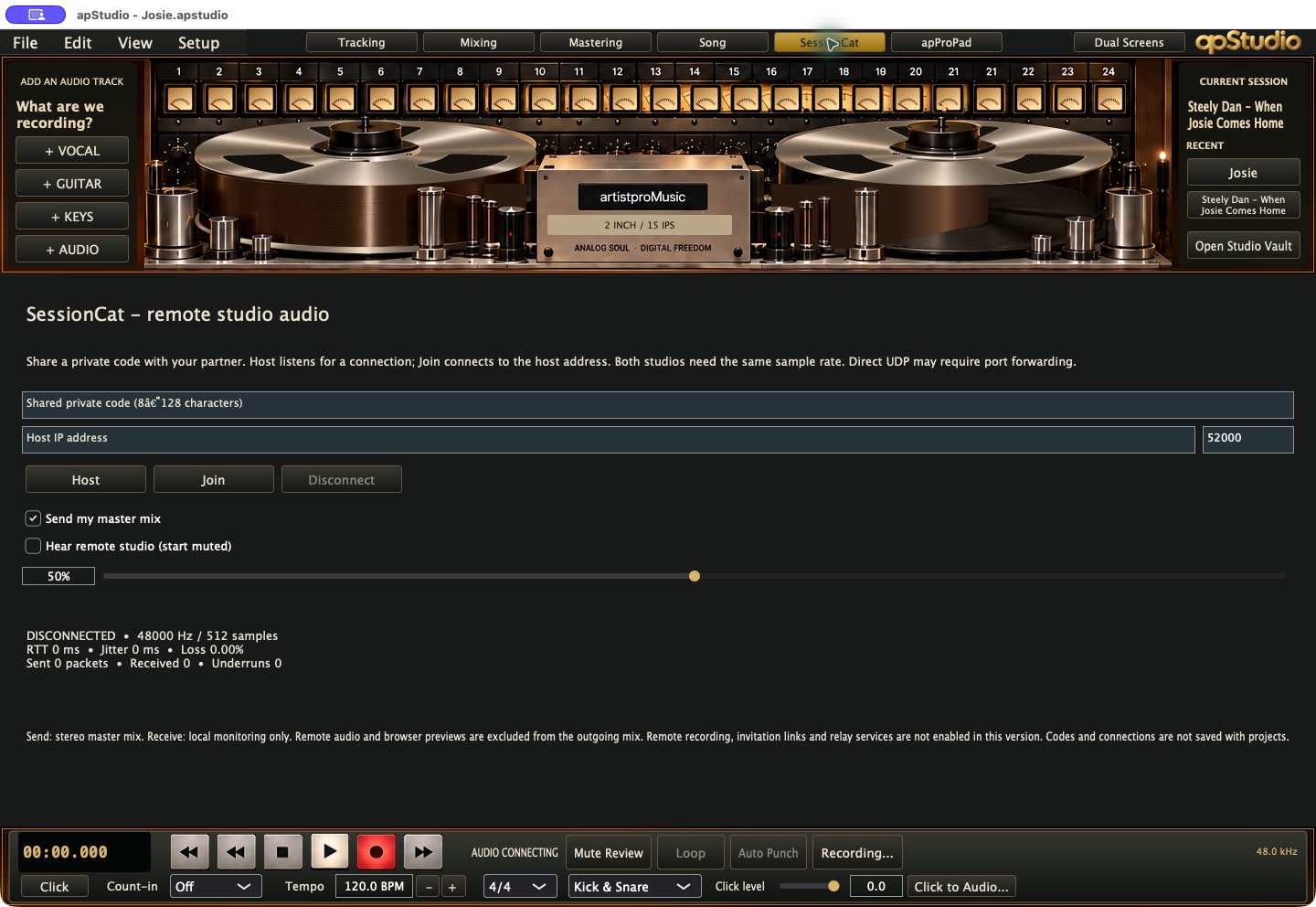
Host or join from the dedicated SessionCat workspace. Use a private shared code, send the stereo master mix and set the level of the remote audio you hear.
The current macOS workspace supports direct stereo audio and local monitoring. Both studios need matching sample rates; direct UDP may require port forwarding. Remote recording, invitation links and relay services are not enabled in this version.
THE TOOLS BEHIND THE FEELING.
From recording and MIDI
to routing, recall and the final WAV.
Stay ready when the performance arrives.
Make changes without losing the source.
Move from ideas to an arrangement.
Build the signal path the song needs.
Included character, right at the desk.
Shape the performance inside the project.
Keep the work together.
Choose the way you work.
TAKE A CLOSER LOOK.
Select any screen to enlarge.
Real application captures. No rendered mockups.
IF IT SOUNDS RIGHT, IT IS RIGHT.
Real tools. Higher songs. A studio that invites you to make something.
Back to apStudio ↑Explore the artistpro collection ↗